All work
SIIT Map
A 3D map of a 5-floor teaching building: open it on a phone and find the room yourself.
- Type
- Student project, not the university’s official site
- My part
- Design and building the app
- Building outline
- © OpenStreetMap contributors
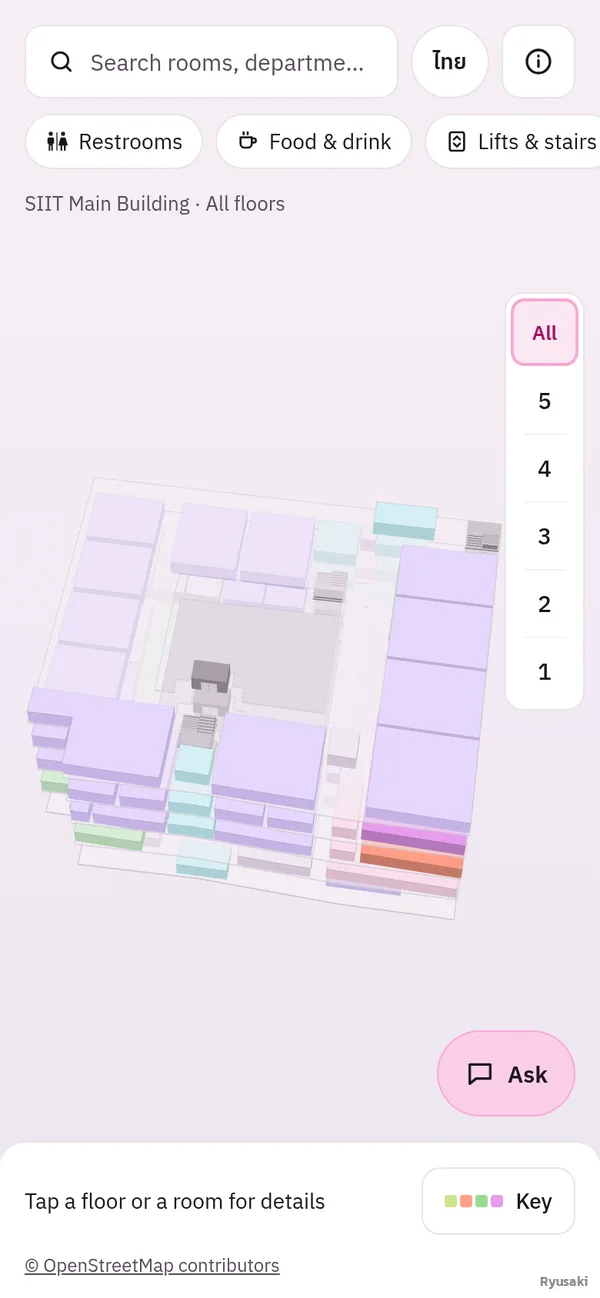 All floors
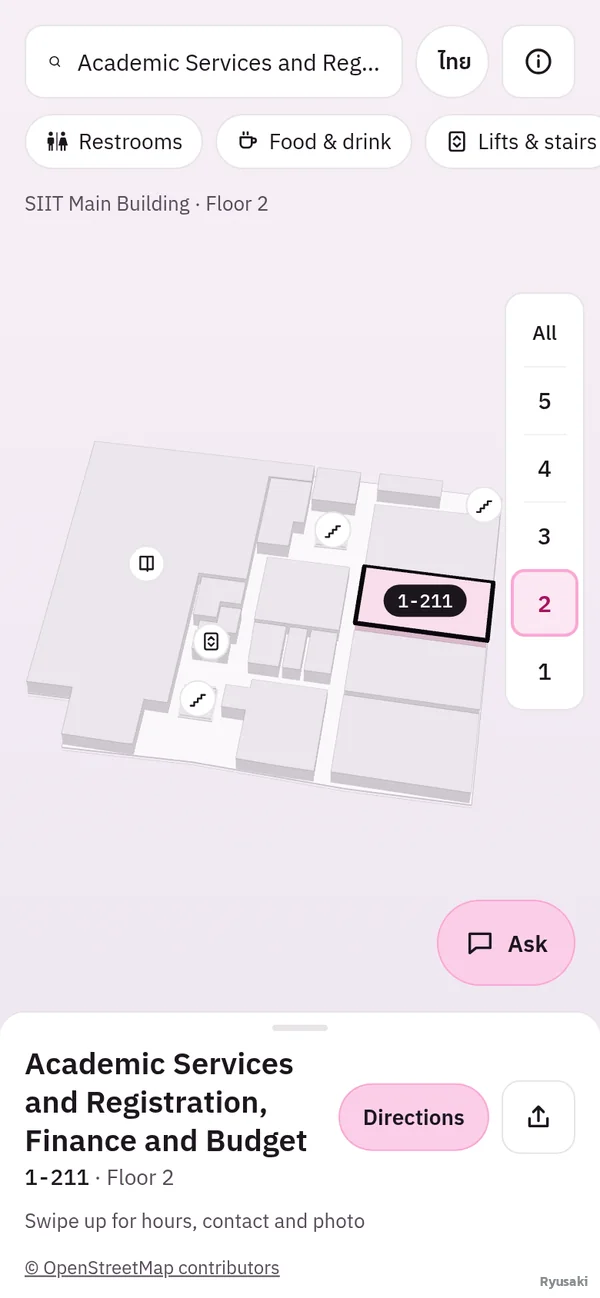 Tap a room
The problem
Let first-time visitors find a room, an office or a restroom in a 5-floor building on their own phone, without asking the way, in Thai or English.
What was done
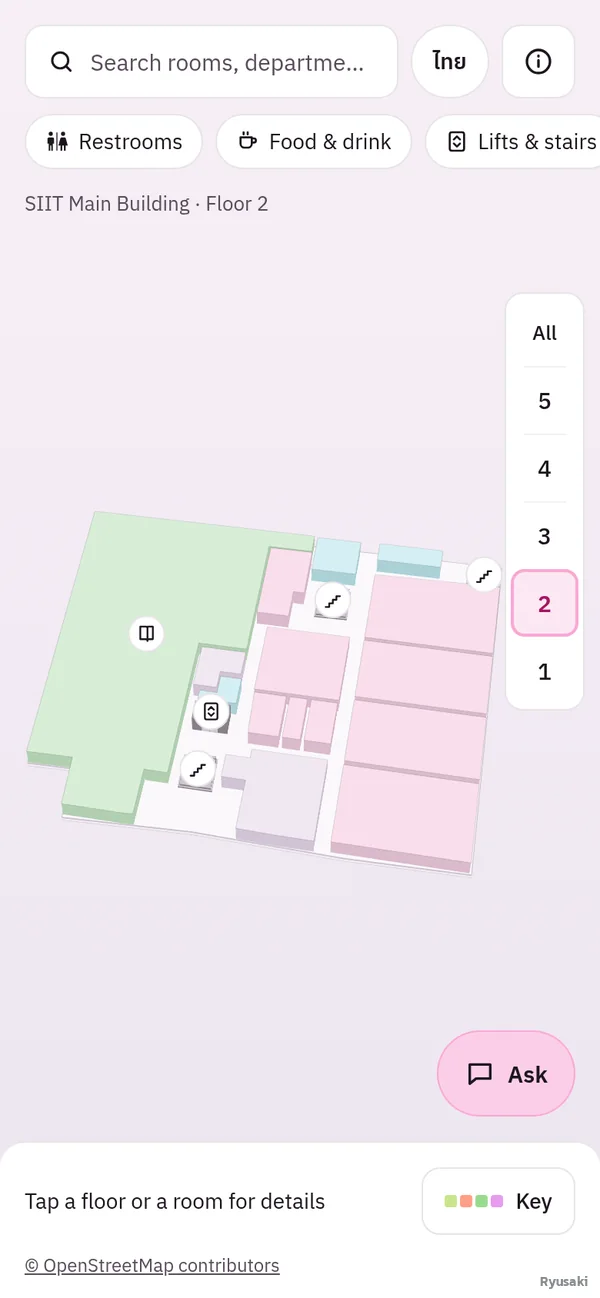
- A 3D model built on the OpenStreetMap building outline: the whole building or one floor at a time.
- Tap a room to see its name, number, office and a directions button.
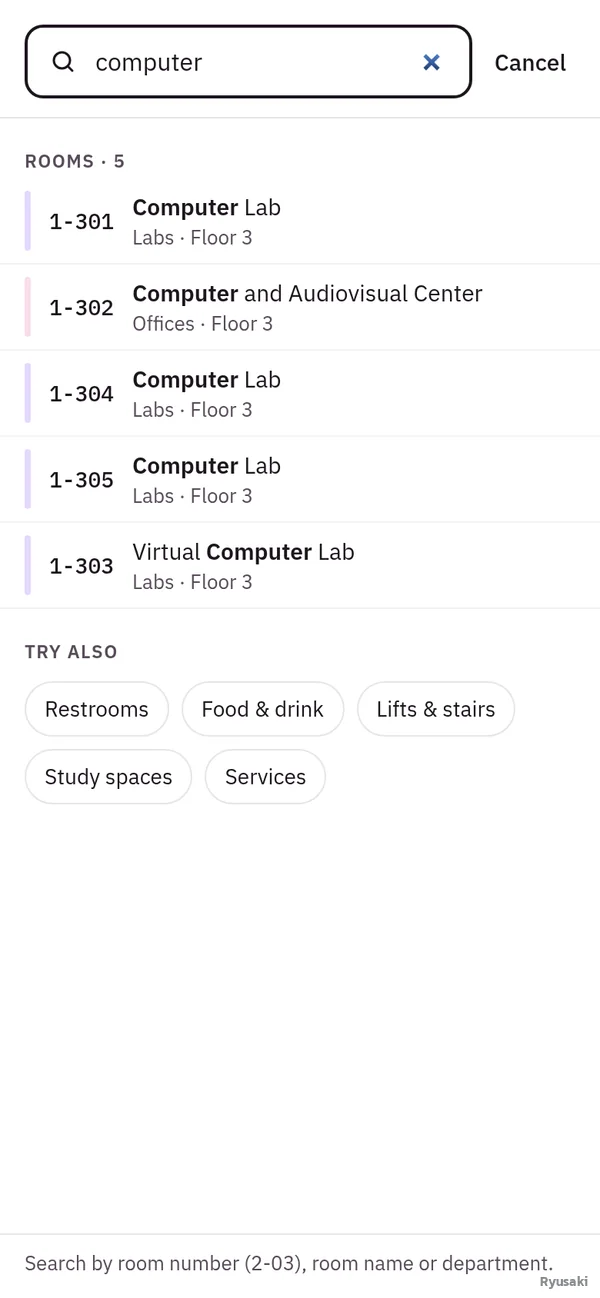
- Search by room number, room name or department.
- Shortcuts: restrooms, food and drink, lifts and stairs.
- Thai and English, switched with one button.
- Phone first, with buttons big enough for a thumb.
Screens
Result
It runs in the browser on an ordinary phone, with nothing to install. It is an unofficial student project and uses no university logos or marks.
Building outline © OpenStreetMap contributors (ODbL licence)
Talk about your server on Discord
Send a screenshot or tell me what you want to change, and I’ll come back with the scope and a price.
Message me on Discord